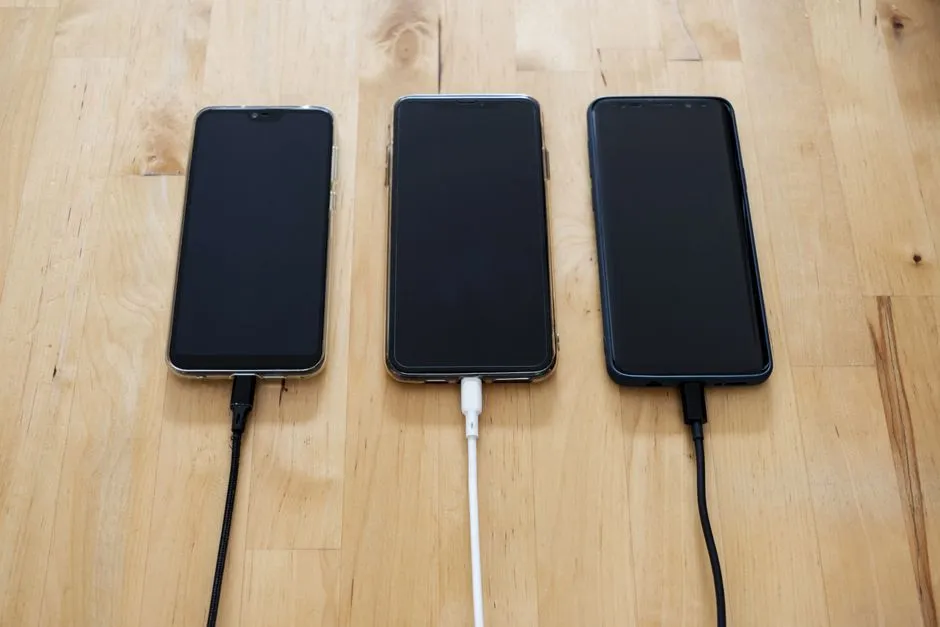
Device Triage
Device Won't Charge: Safe Checks Before Repair
If a phone or laptop will not charge, stop first for swelling, unusual heat, smoke, liquid, sparks, exposed wires, or burnt connectors.
Begin outside the case: outlet, known-compatible cable, visible damage, indicator behaviour, temperature, and manufacturer guidance. Swelling, smoke, hissing, unusual heat, or mains exposure ends the DIY branch. A screwdriver is not a voting member.
If a phone or laptop will not charge, stop first for swelling, unusual heat, smoke, liquid, sparks, exposed wires, or burnt connectors.
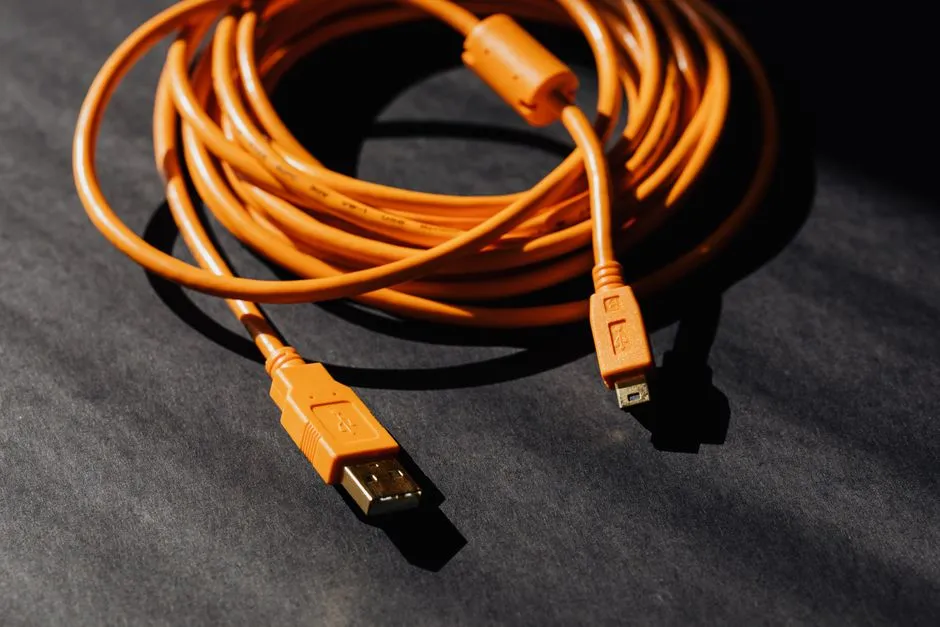
If a laptop will not turn on, first stop for swelling, unusual heat, hissing, smoke, sharp chemical odour, liquid damage, a burnt connector, or a damaged…
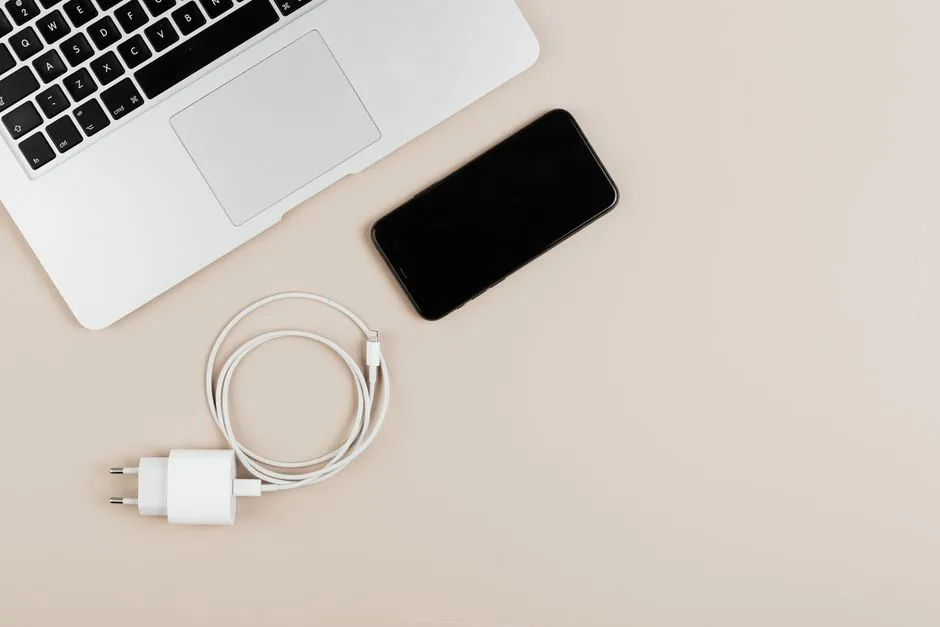
When a phone charging port stops working, stop charging for swelling, unusual heat, hissing, smoke, chemical odour, liquid damage, or a burnt or loose…
Replacing a laptop battery can be worthwhile when qualified assessment identifies the battery as the problem, the computer still meets your needs, and a…
Stop using and charging a device with suspected battery swelling.